Remote Access
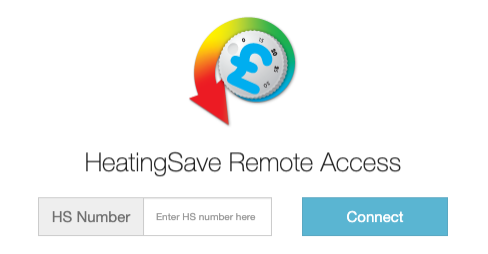
You can access your HeatingSave system from any compute with an internet connection and web browser. On the back of the HeatingSave hub (Product number T3521 or T3521X) is a white sticker with the SSID. For example if the sticker has “SSID: hs123456” your HS number would be 123456.
With your HS number you now navigate to https://remote.heatigsave.com in your web browser and when prompted enter your HS number.
Local Access
If you know the IP address of your HeatingSave system and you are on the same network as the HeatingSave Hub you can navigate to the HeatingSave software by typing in the IP address in you web browser (i.e. 192.168.0.30).
How to login to the HeatingSave Software
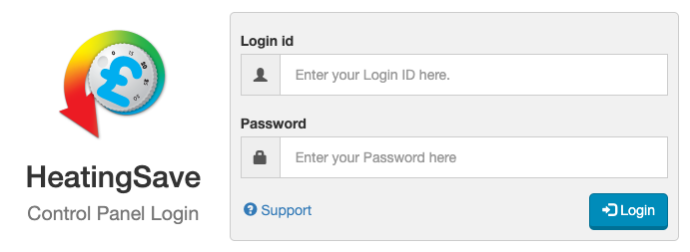
Once you have connected to your HeatingSave system you will be prompted with a login form. Just enter in your Login ID and password and click on the Login button. If you need assistance from HeatingSave support, click the support link and pass the information onto the technician. This will give them access to your system remotely without giving out any passwords.